

Home
Home is always in the icon bar; it cannot be hidden. It has three tabs: Overview, Settings and Environment.
- Overview is a short reminder of how the panel works: icons open pages, the open page's icon collapses the panel, and tabs switch sub-pages.
- Settings holds every InvAmp preference. See Settings.
- Environment shows facts about this installation. Use it when you contact support.
Read the environment
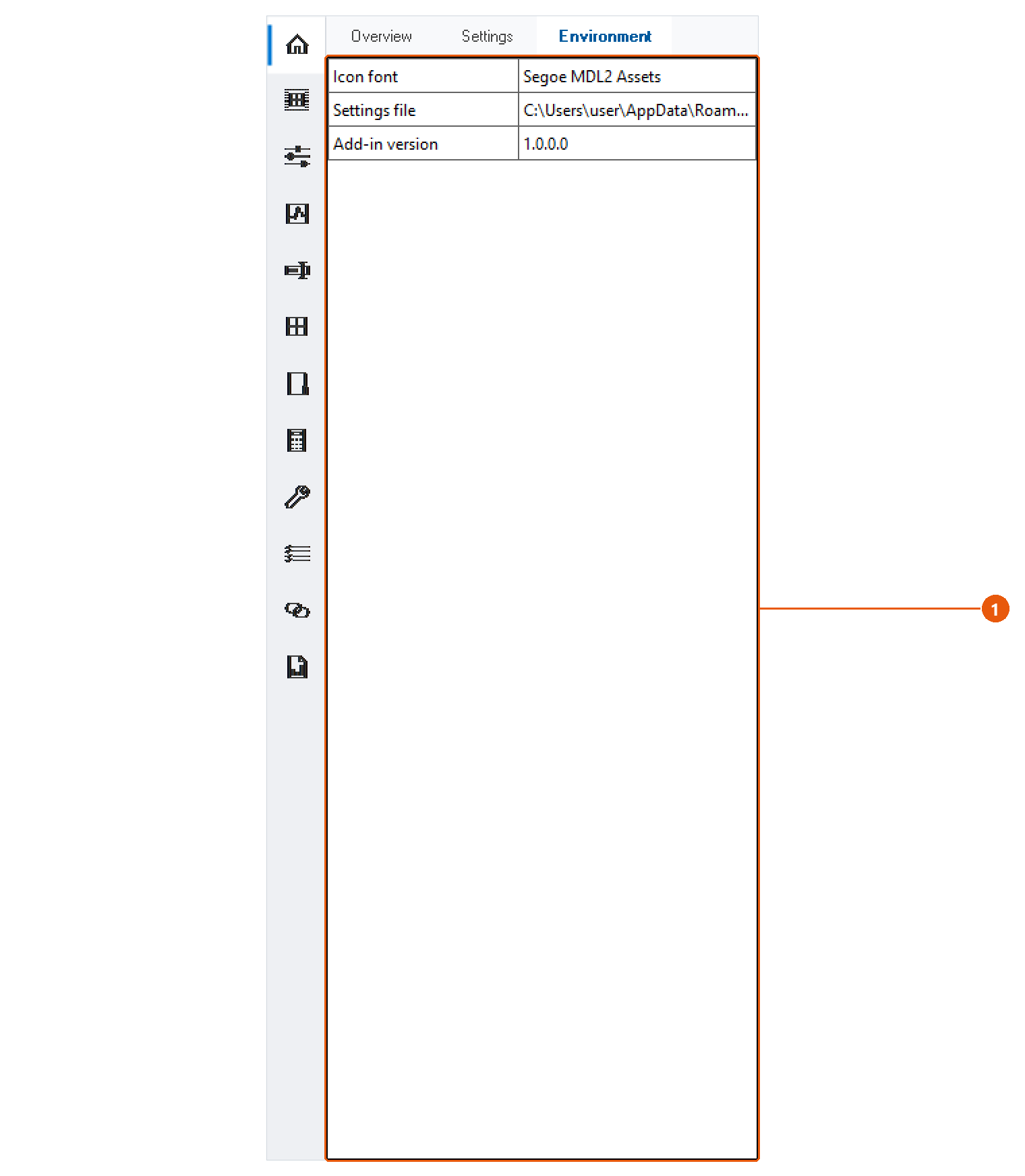
- Click Home in the icon bar, then the Environment tab.
- Read the table 1. It has three rows:
| Item | What it tells you |
|---|---|
| Icon font | The Windows font the panel's icons are drawn from. If it is missing, InvAmp draws simple geometric icons instead. |
| Settings file | The full path of the settings.ini InvAmp is using. |
| Add-in version | The version of InvAmp that is loaded. |
Tip:Quote the add-in version when you report a problem. It tells us exactly which build you have, and the settings file path tells us where to look when a setting is not remembered.