

What's new
This is the first release of InvAmp, version 1.0.0.0.
InvAmp adds one panel to Autodesk Inventor. The panel holds twelve pages. Each page groups the tools for one kind of work.
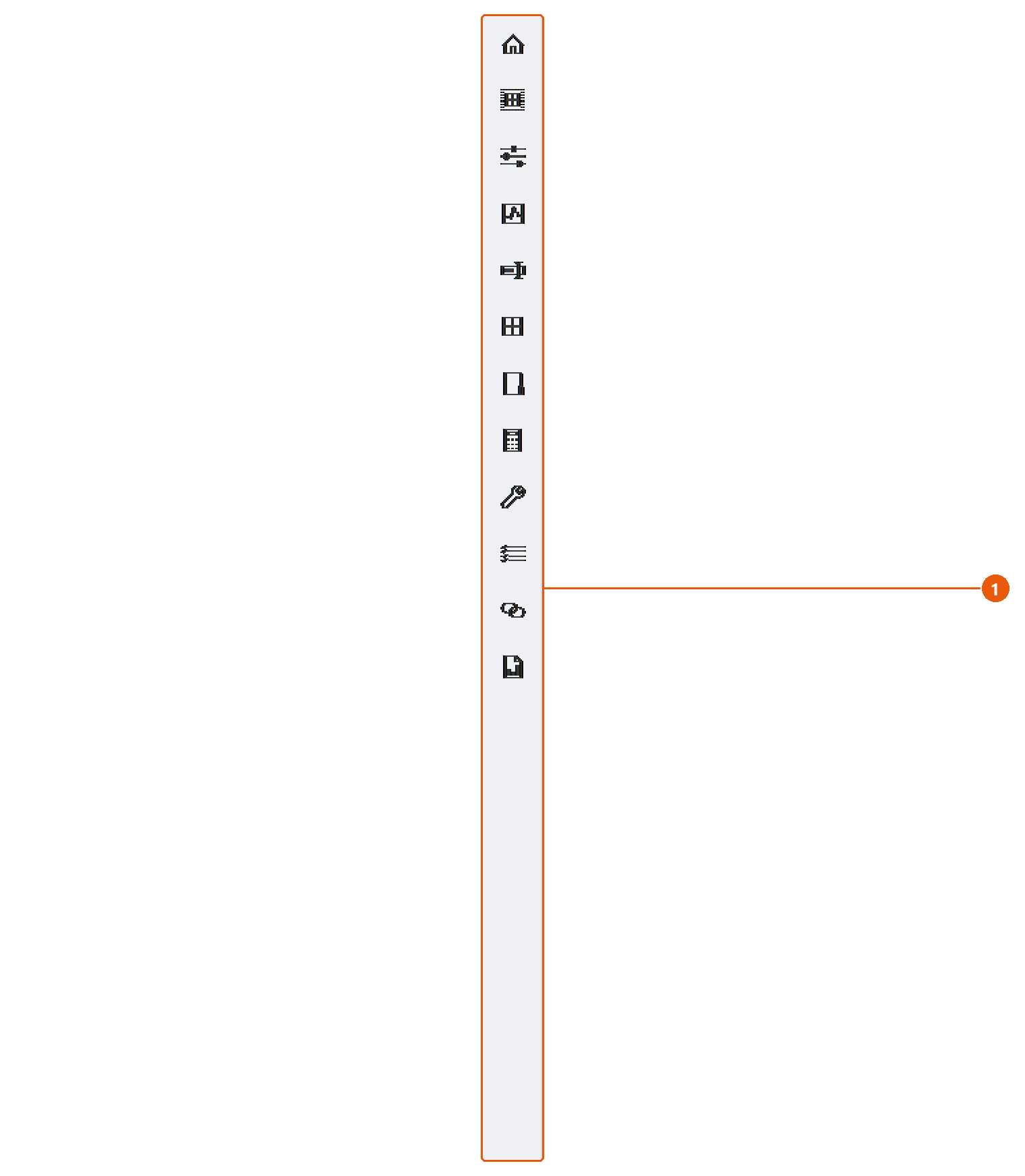
The icon bar 1 lists the pages in this order:
| Page | What it is for |
|---|---|
| Home | Overview, settings and environment information. |
| Selection | Properties and a preview of the current selection. |
| Work Mode | Display profiles and screen capture. |
| Assembly Tools | Placement and part tools for the selected component, and assembly checks. |
| Rename | Rename a part and its drawing to a standard name. |
| Blocks | Insert sketch blocks from reference parts. |
| Workspace | Reuse components from your own folders. |
| Eng. Tools | Cylinder forces and standard part tables. |
| Utilities | Batch export, drawings, parameters and more. |
| BOM | List the assembly's bill of materials and export it. |
| Linked Params | Pull parameters from a reference part. |
| Design Report | Check an assembly and export a report. |
Tip:Hover over an icon to see the same description in a tooltip.
Note: You can hide pages you do not use. See Settings.